

Step-by-Step Guide: What to Do with a Loved One’s Facebook Account After They Pass Away
Park Memorial • July 24, 2025
If Your Loved One is Still Alive and Wants You to Manage Their Account Later:
- Have them log in to
their Facebook account.
- Click the menu (top right corner) and go to
Settings & Privacy → Settings.
- Scroll down and click
Memorialization Settings.
- Under “Choose Legacy Contact”, have them
type your name and
select you.
- Optional: Check the box to allow you to
download a copy of their posts and photos later.
- Click
Save.
This means you’ll be in charge of their account if something ever happens.

If Your Loved One Has Already Passed Away:
You cannot log in to their account, even if you know their password, as this contravenes Facebook’s security regulations. Instead, follow these steps:
Step 1: Gather Documents
You will need:
- A death certificate, obituary, or memorial service program.
- The link to their Facebook profile (copy it from the browser bar).
- If possible, proof of your relationship (like a marriage certificate or executor documents).
Shape
Step 2: Request to Memorialize the Account
1. Go to this Facebook form: www.facebook.com/help/contact/228813257197480
2. Fill in:
- Your full name and contact info.
- Their full name.
- Date they passed.
- Link to their profile.
- Upload a death certificate or similar proof.
- Choose what you want: memorialize the account, close it, or request info.
3. Click Submit.

What Happens After the Account is Memorialized
- Their profile will say “Remembering [Name]” at the top.
- No one can log in to the account anymore, but stories and memories can still be posted by their friends.
- The posts and photos stay on Facebook (unless the account is deleted).
- If they chose a Legacy Contact (possibly you), you can:
- Post a tribute.
- Change the profile and cover photos.
- Accept friend requests.
- Request account deletion, if needed.
Here is an optional document templates you can download, fill out, and upload as proof:
Facebook Memorialization Request Letter – Download
You can fill in:
- The deceased’s name and date of passing
- Your relationship to them
- The link to their Facebook profile
- Your name and contact information
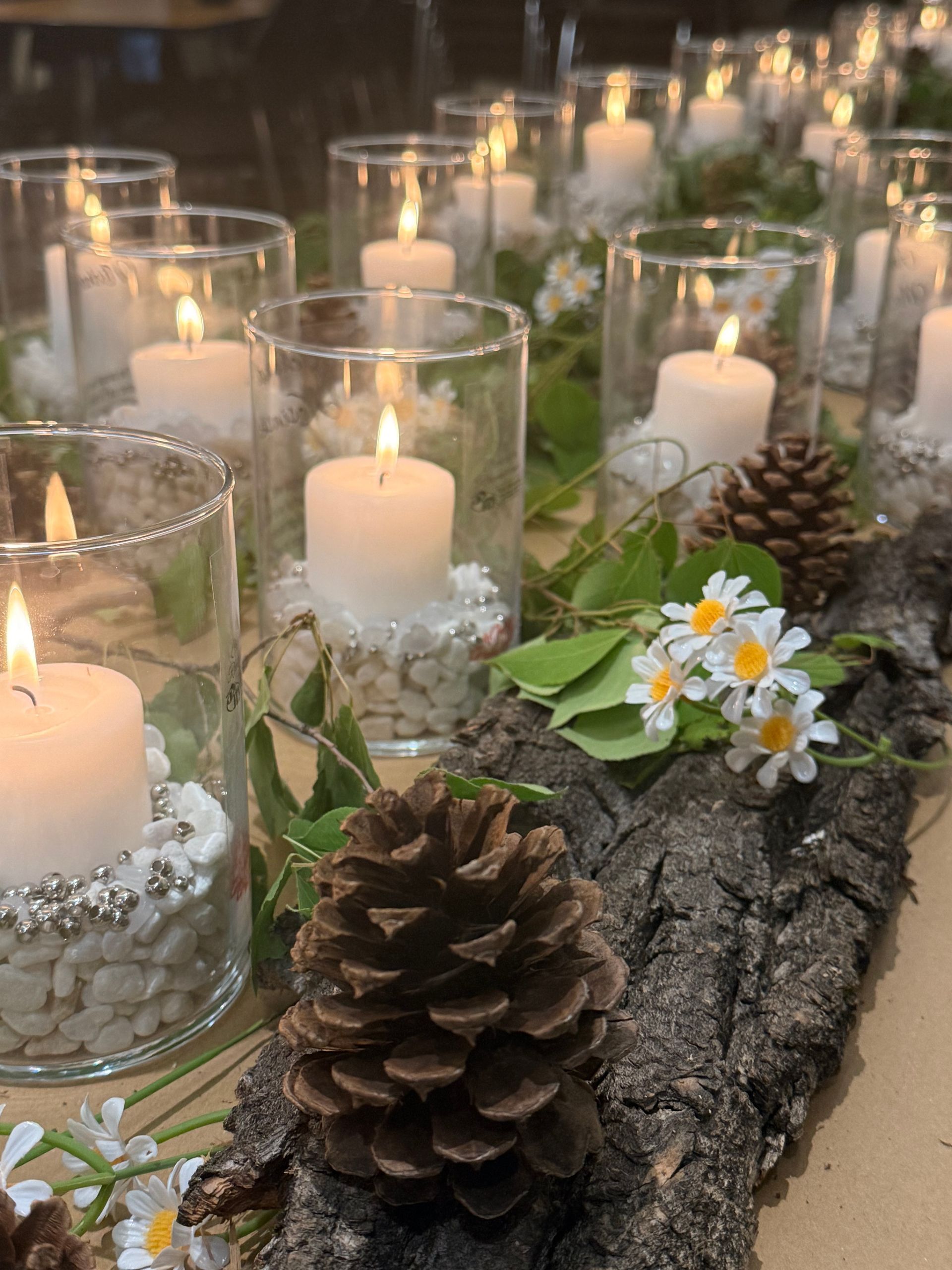
Wherever you find yourself on your grief journey, we hope you'll know there is always a place for you here. We look forward to continuing to walk alongside you in the months ahead.

What families often discover in the days after a death — and how a little preparation can make a difficult time more manageable.

There are some numbers that are simply difficult to comprehend. A single blood donation can contain approximately: 1 trillion red blood cells , 40 billion platelets, Trillions of plasma proteins and particles that help support healing, clotting, and immunity.

Being seen is one of the most meaningful gifts we give our loved ones. After someone dies, families often find themselves searching for more than paperwork and photographs. They search for stories.

Sometimes grief reveals more than we expected. Sometimes grief brings more than absence. Sometimes it brings discovery.

Last weekend, our team had the honour of joining the Pilgrims Hospice Society for their annual Hike for Hospice fundraiser — alongside families, friends, and members of our community who understand, in their own way, what it means to carry loss.

At Park Memorial, we believe the spaces where families gather to remember and honour a loved one should feel welcoming, comfortable, and cared for — in every season.
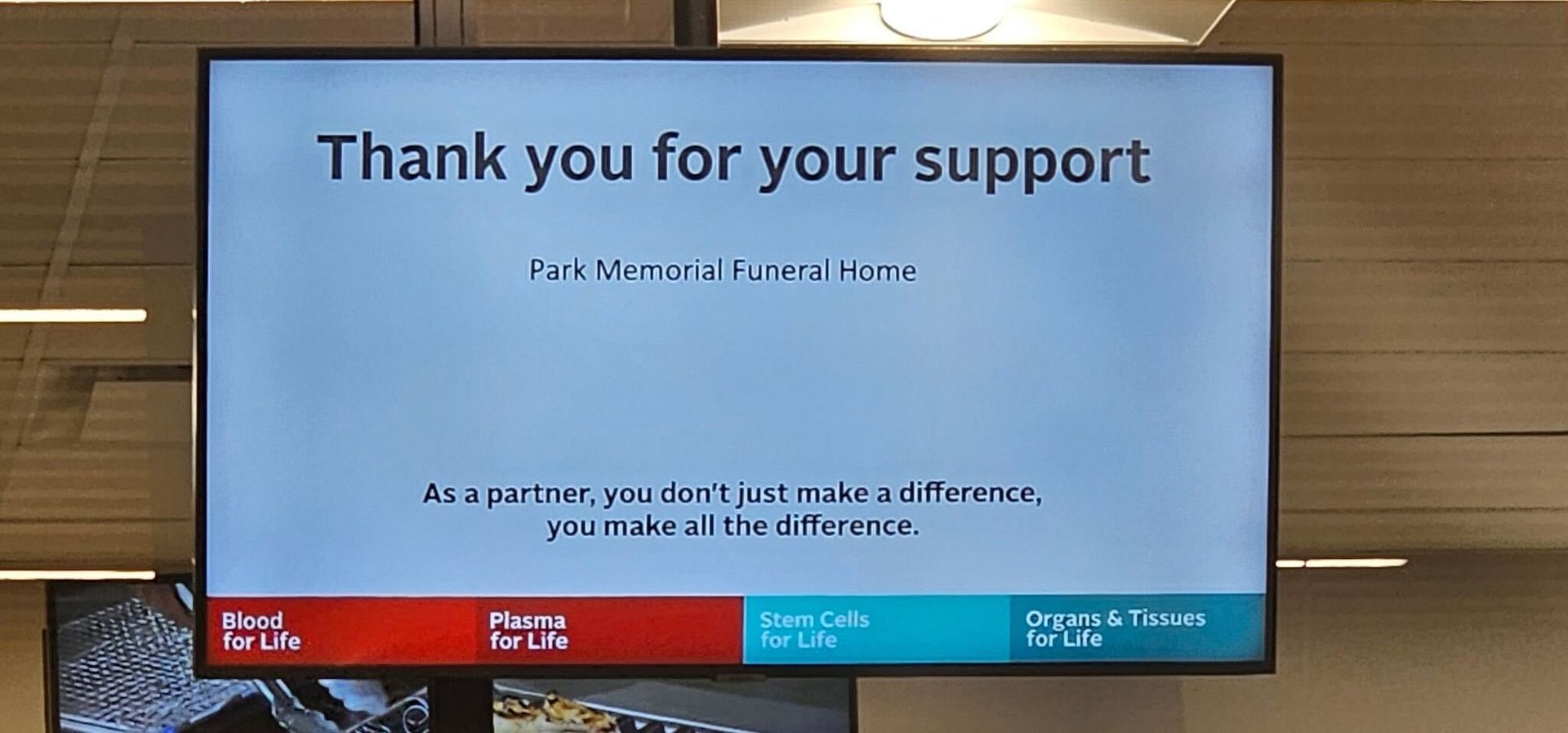
Last night, our Park Memorial team gathered for a blood donor evening. Nine team members rolled up their sleeves — including three first-time donors — and gave something simple, yet profoundly powerful: time, compassion, and a small donation that has the potential to save lives.

It comes from a place of love. A desire to honour a wish, to keep things simple, to spare people the formality of a gathering they might not have wanted. And that impulse is not wrong. But there is something important that often goes unconsidered in that decision.

At Park Memorial, we often meet families at one of the most emotional moments of their lives. And while we are honoured to walk alongside them in their grief, there is one sentence we hear far too often.